Do I need to install an app?
No. Zuppa opens in the browser and can be added to the home screen on iPhone or Android. It does not go through an app store.
Does it work without signal inside a mall?
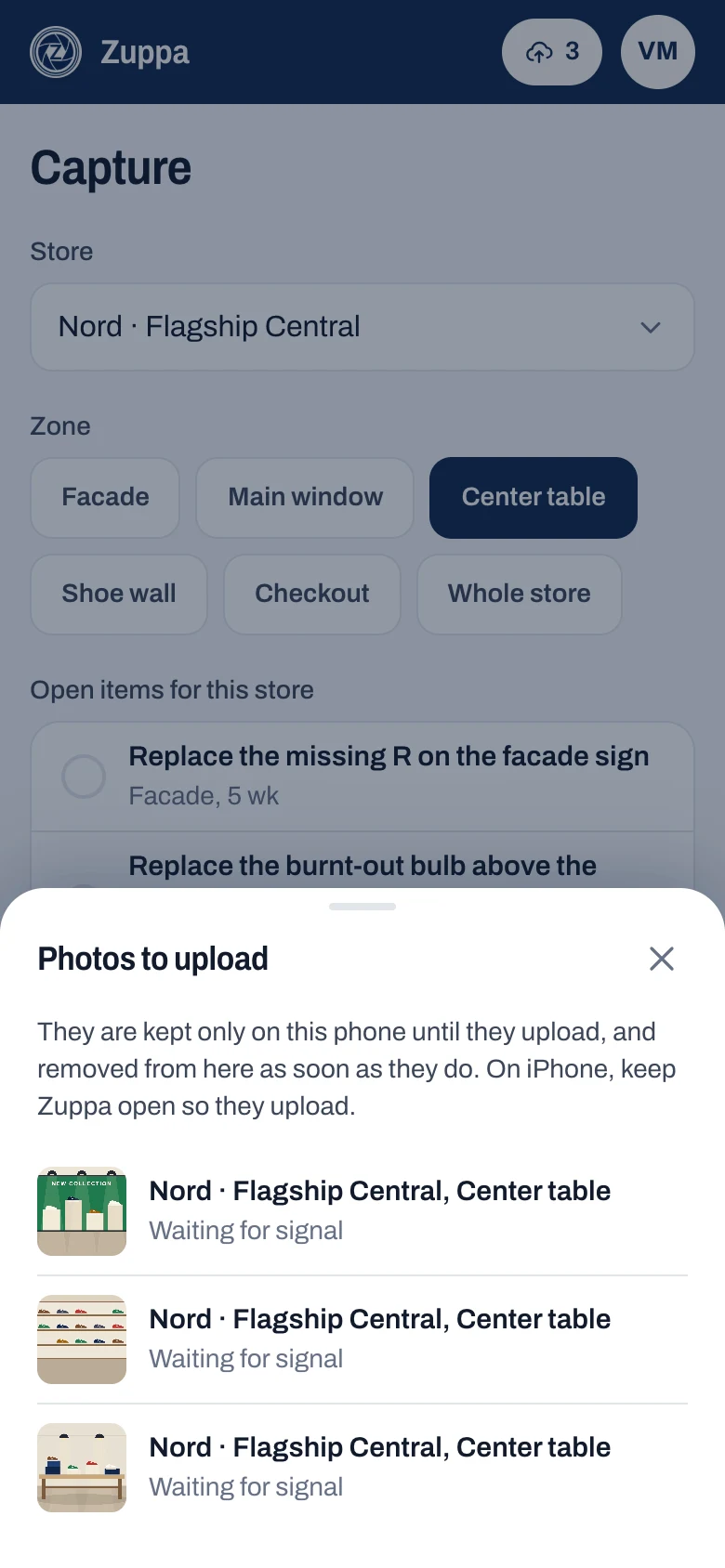
Yes. With no signal, photos stay saved on your phone and upload on their own when it comes back, one at a time and without duplicates. At the top you see how many are left. On iPhone they upload while Zuppa is open.
How does request follow-up work?
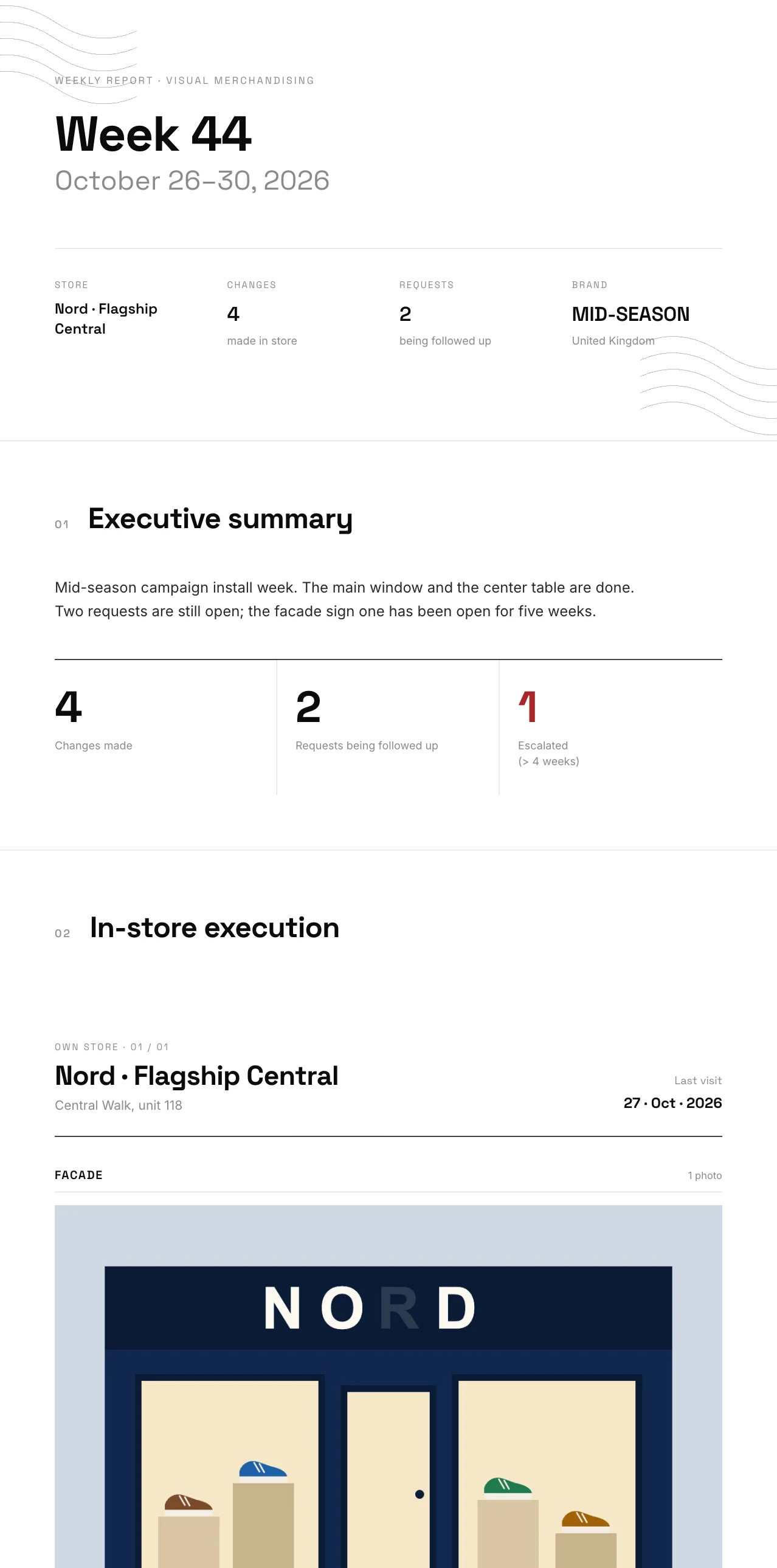
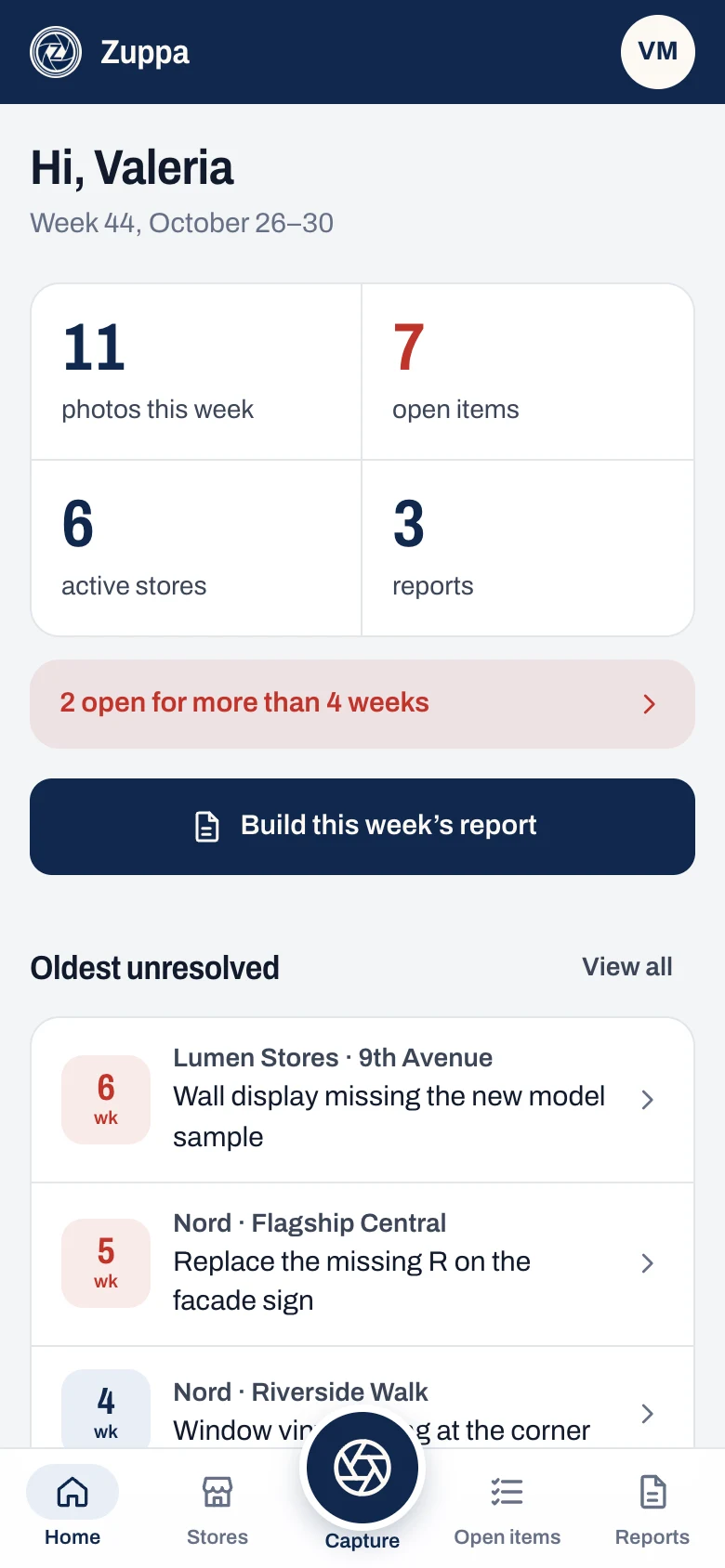
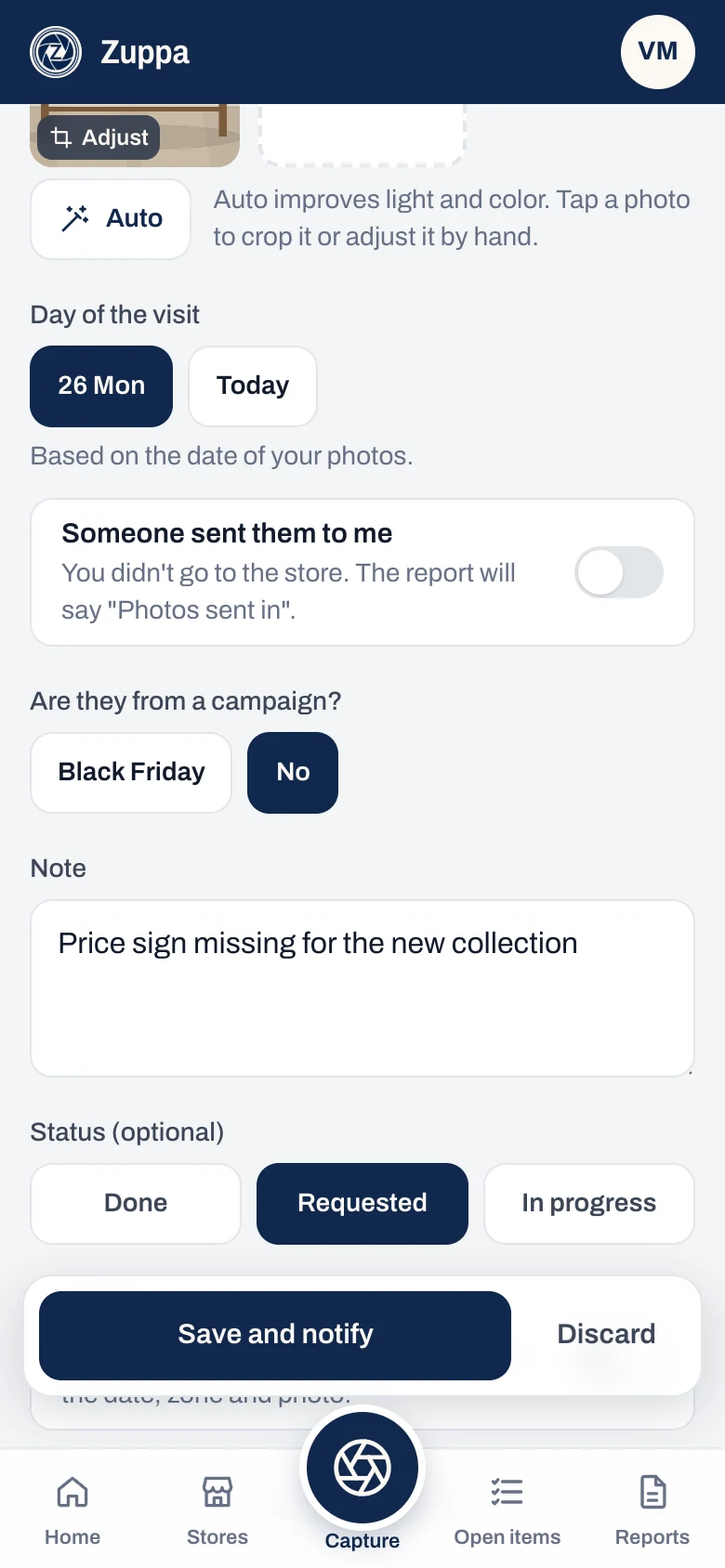
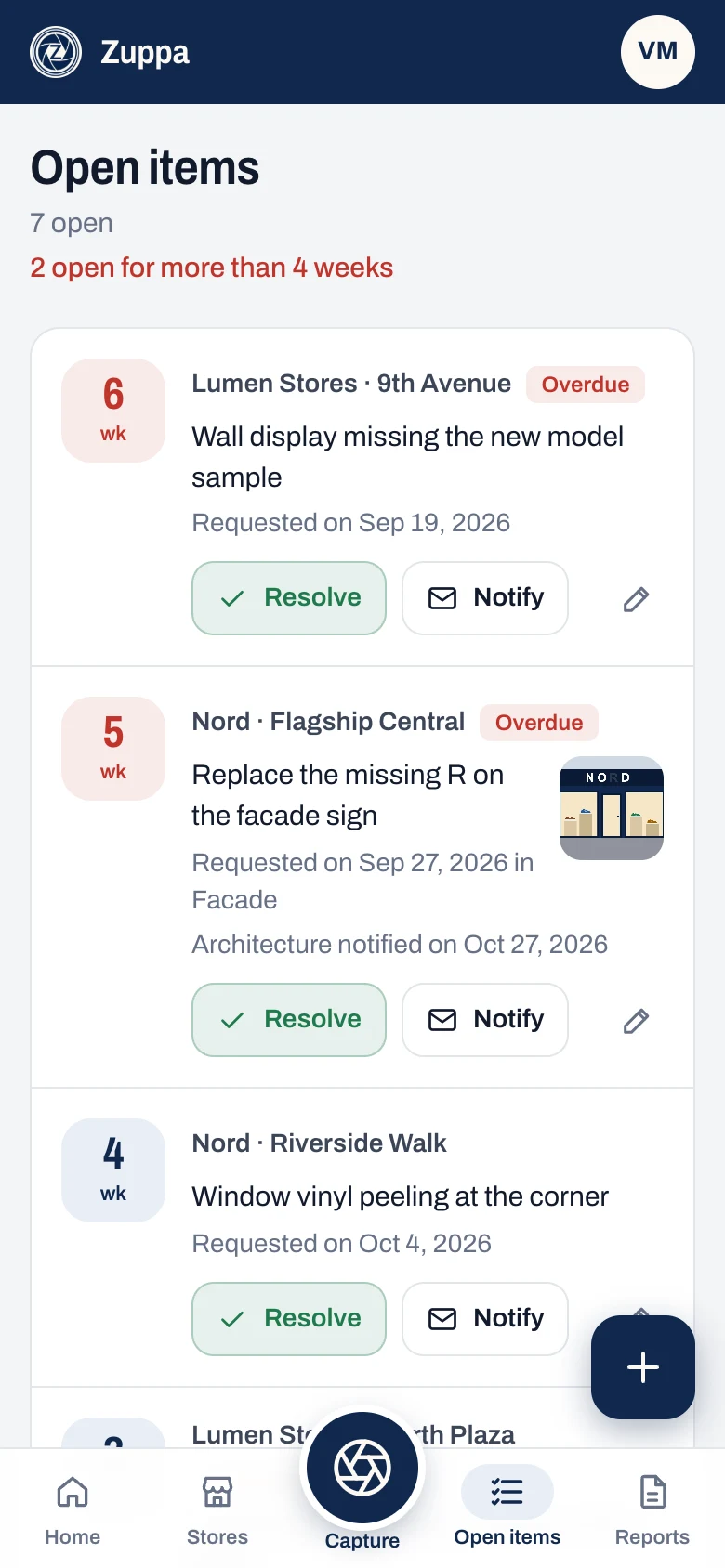
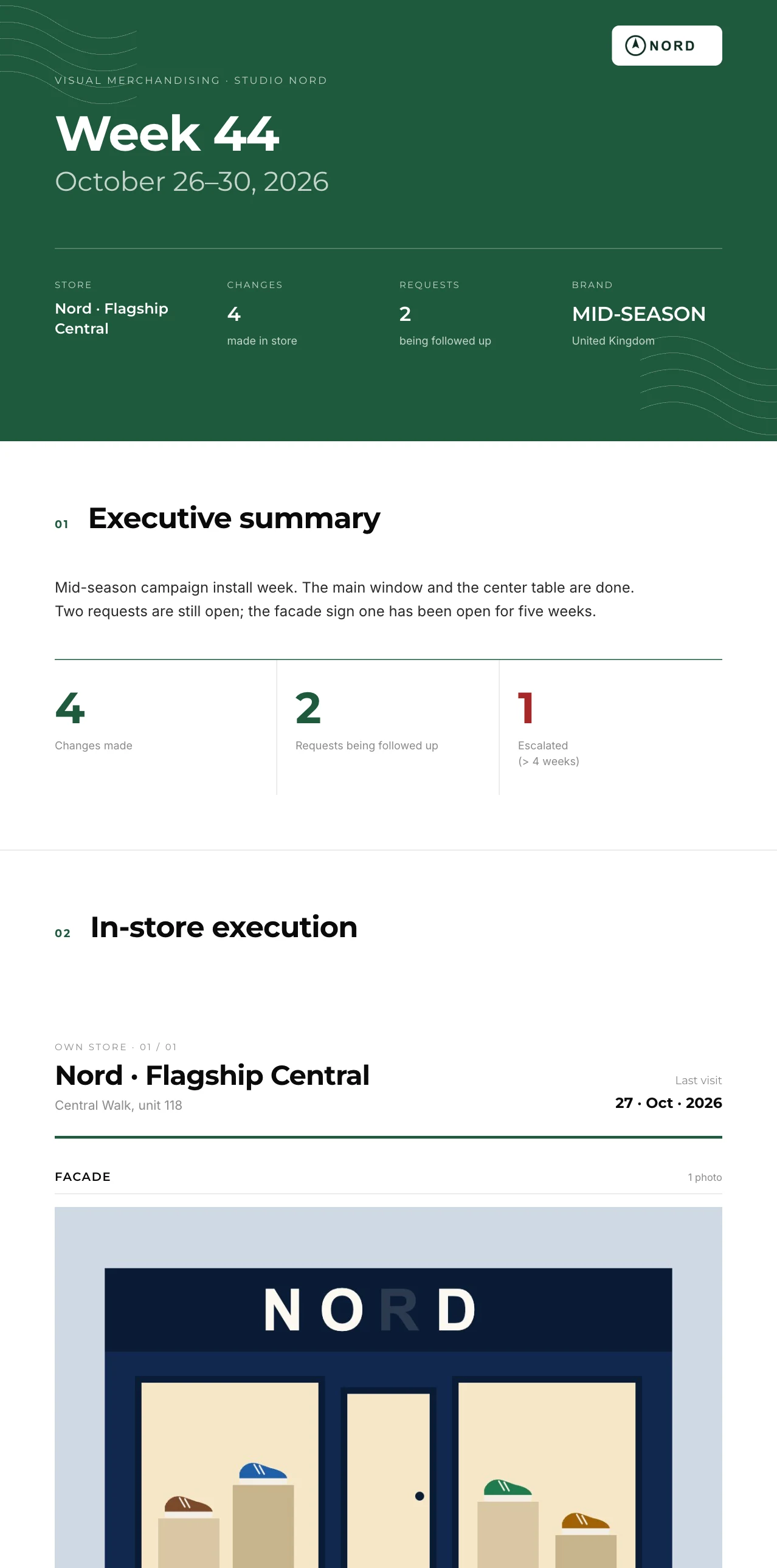
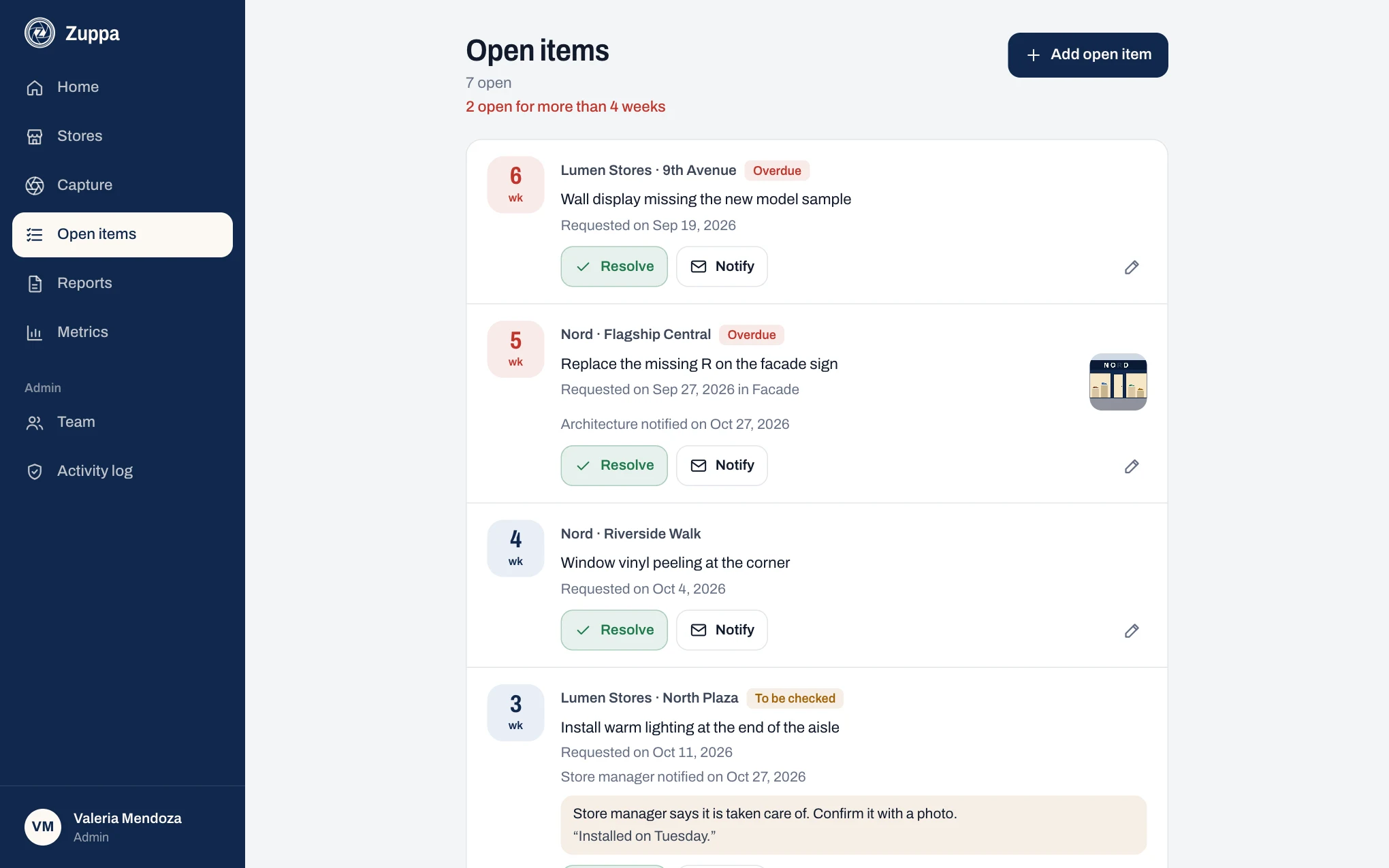
When you mark a photo as requested, it becomes an open item for that store with its date, zone and photo. On the next visit you pick it up and say how it is going. Past four weeks it is highlighted as escalated, and it shows that way in the report.
Does the person I notify need an account?
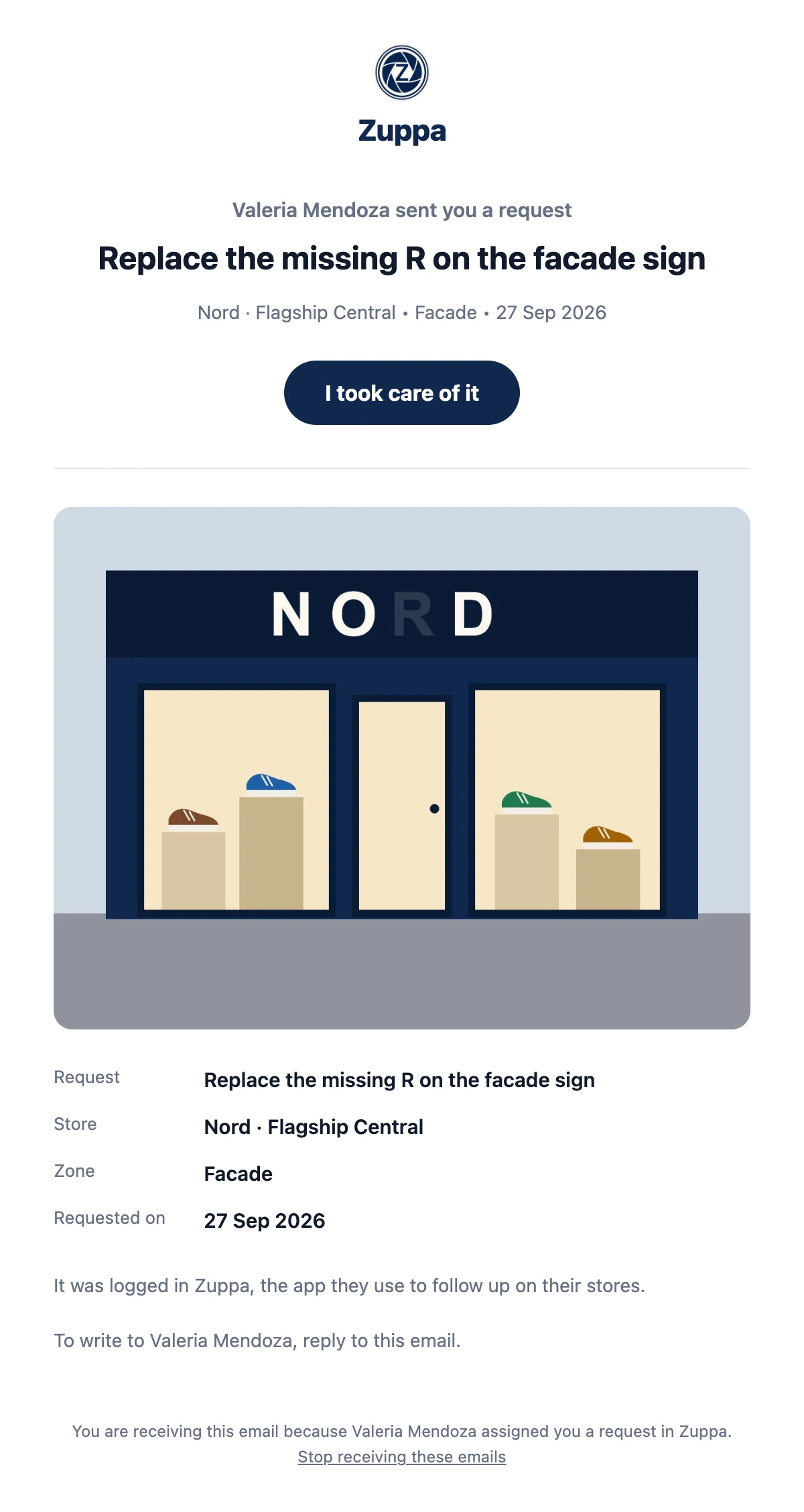
No. They get an email with the request and the photo, and can mark it as taken care of from there. The item stays to be checked until you confirm it with a photo. They can stop receiving emails whenever they want.
Can I make a report for one store and also one for several?
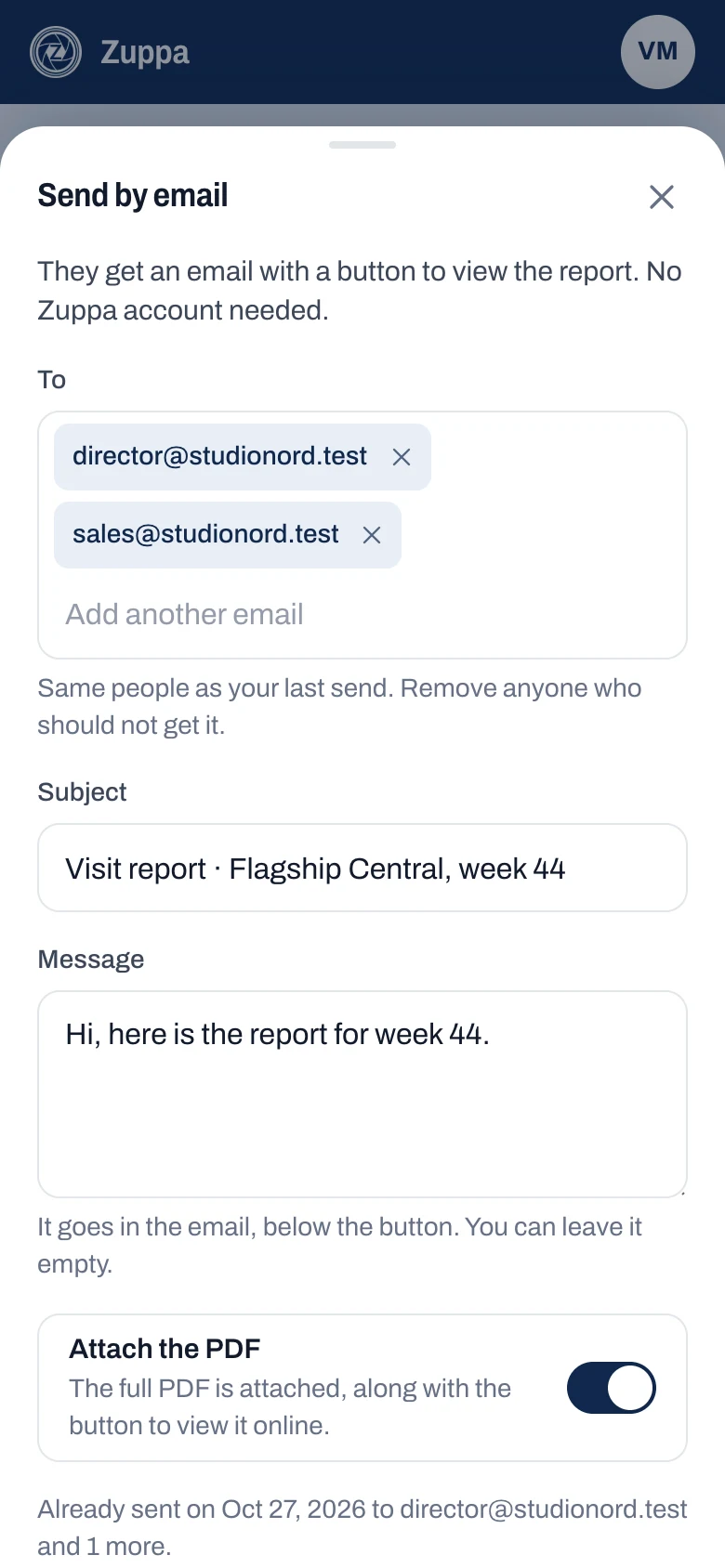
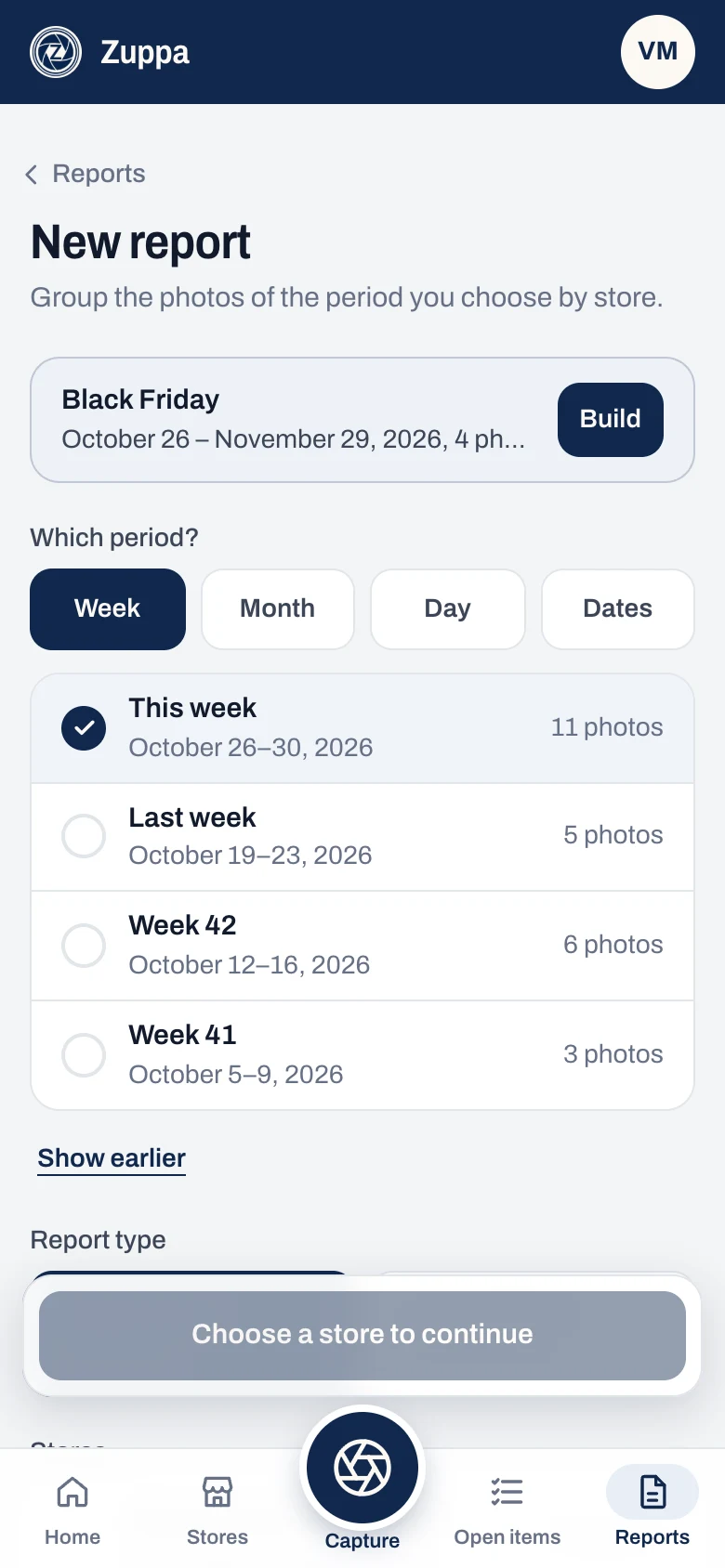
Yes. A report can cover a single store or several, with the same structure. You download it as a PDF, send it by email or share it with a link.
Can I make a report for a campaign or a month?
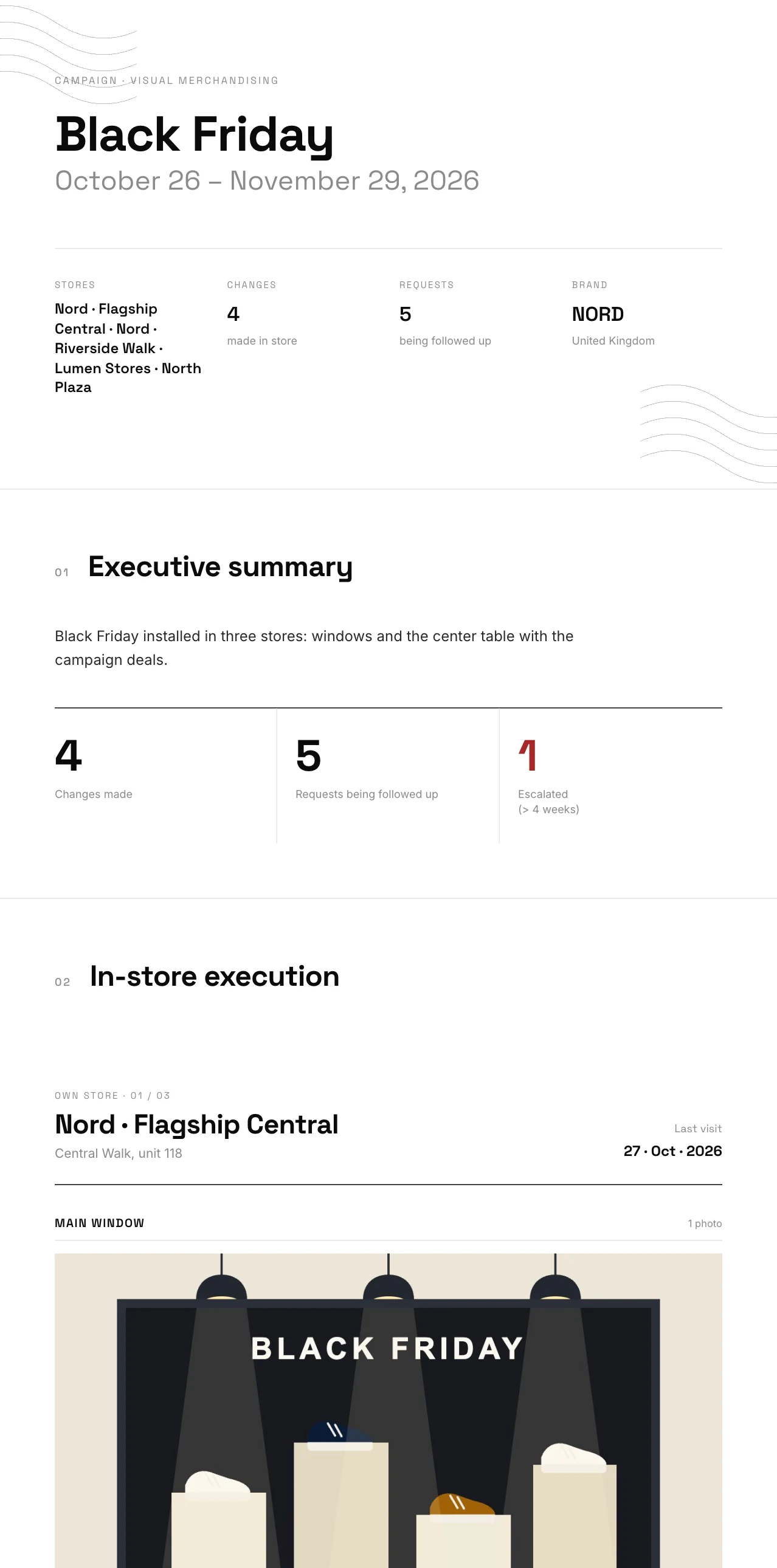
Yes. When you create the report you choose a week, a month, a day or any dates, and each option shows how many photos it has. Campaigns, from the Pro plan, get their own report: you mark their photos when you upload them or later, and it comes out with the campaign’s name on the cover.
Can I upload the photos later, or ones the store sends me?
Yes. Zuppa takes the visit day from the date of each photo, so you can upload them on Friday and the report shows the day you went. If the store sent them, turn on “Someone sent them to me” and the report says “Photos sent in”. You can correct the day before sending.
Can I edit the photos?
Yes. Before saving you can crop, rotate, straighten and adjust the light and color, or tap Auto. It happens on the phone, without AI, and Zuppa keeps the original in case you want to change it later.
Can I put my brand’s logo on the report?
Yes, from the Pro plan. Upload your logo and choose the color, the font, the cover style and the line at the top of the cover. Each report keeps the design it was made with, and new accounts try it for 7 days.
What does the AI do?
It drafts the report’s executive summary and a short summary for each store from your notes and what you marked during the week. You review and edit it before sending. Each draft counts toward your plan’s limit.
How is a team billed?
You pay the same for each person who takes photos and builds reports. Managers who only review join free and without limit. If you add or remove someone mid-month, only the days left are charged or credited.
How do I start?
Create your free account with your email or with Google. Zuppa takes you step by step to your first report: say which store you visited, upload the photos and see it put together. If you would like help, message us on WhatsApp.